Apply custom filters and transformations to selected areas of your images.
Unlock advanced features with our native desktop app - higher quality, faster processing
Loading image...
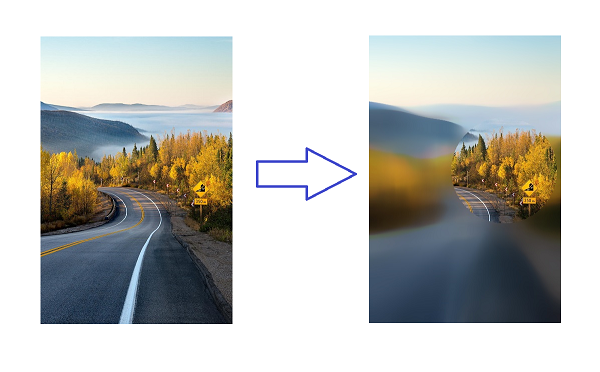
Our AI-powered image filter tool lets you remove, blur, grayscale, or recolor selected areas of any image. Draw shapes to define regions and apply transformations—all for free with no watermark. Unlike complex photo editing software, our online tool requires no design skills and delivers results in seconds.