Apply effects to selected areas - remove, blur, grayscale, or change colors.
Unlock advanced features with our native desktop app - higher quality, faster processing
Loading image...
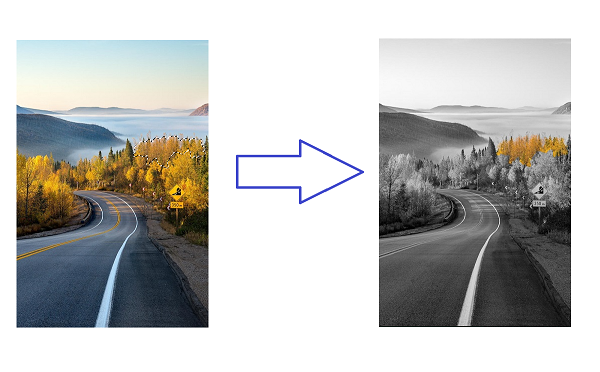
Our AI-powered background effects tool lets you remove, blur, grayscale, or recolor image backgrounds with precision. Whether you need transparent backgrounds for product photos, blurred backgrounds for portraits, or artistic grayscale effects, our free online tool delivers professional results in seconds. Unlike traditional photo editors, there's no software to install—just upload your image and select the areas you want to transform.